
Artifactory
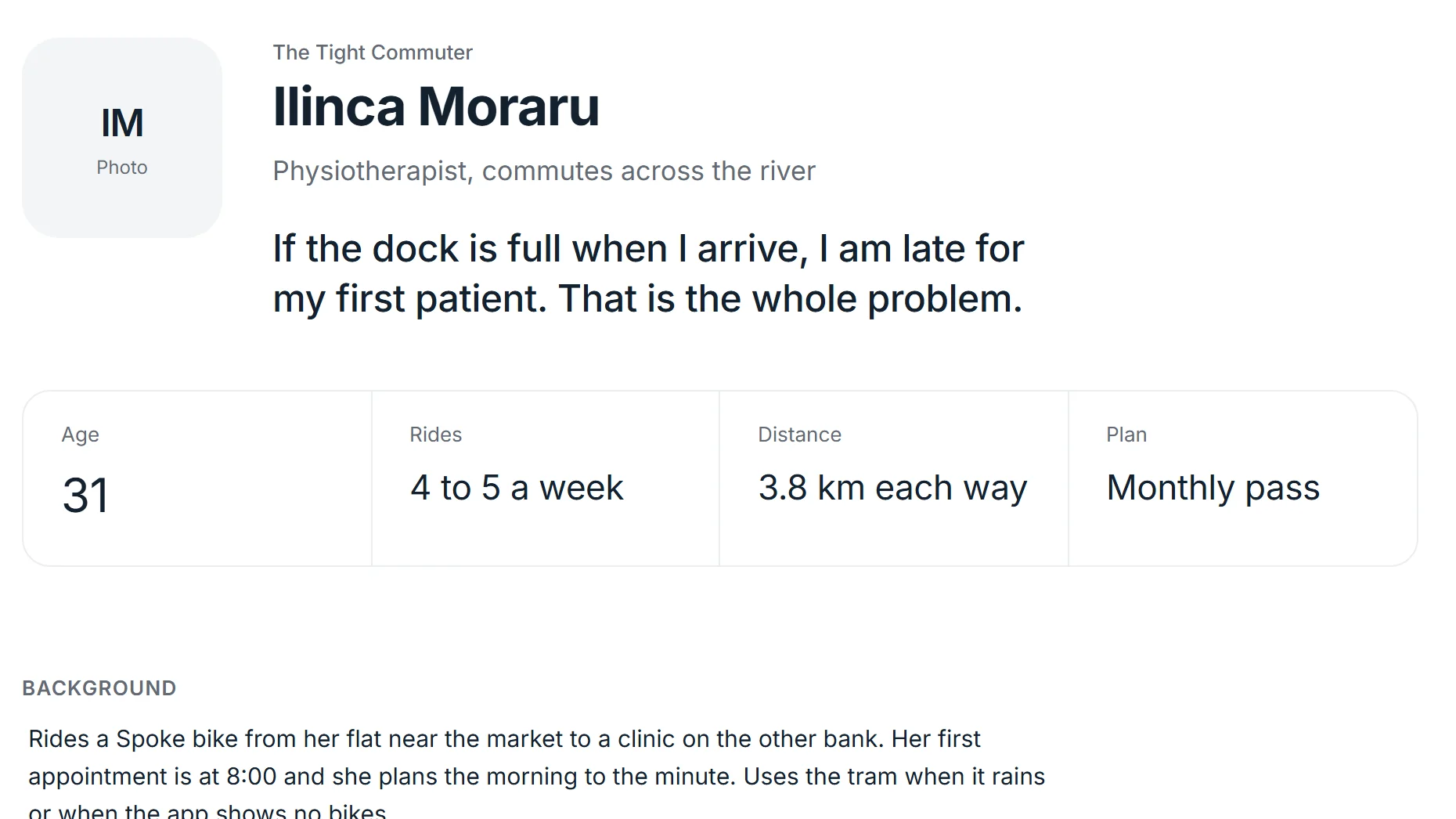
A studio for the documents UX work leaves behind: personas, journey maps, empathy maps, blueprints and problem canvases. The canvas is the editor, so the artifact stays ready to present while you type into it.
At a glance
- No form beside a preview
- Structure that makes things findable
- Numbers read as numbers
The question
Research artifacts usually get rebuilt from scratch in a design tool, nudged into shape for an hour, exported once and then go quietly stale. What if every persona and journey map had a fixed, well-thought structure, so the time went into the thinking instead of the layout?
What I built
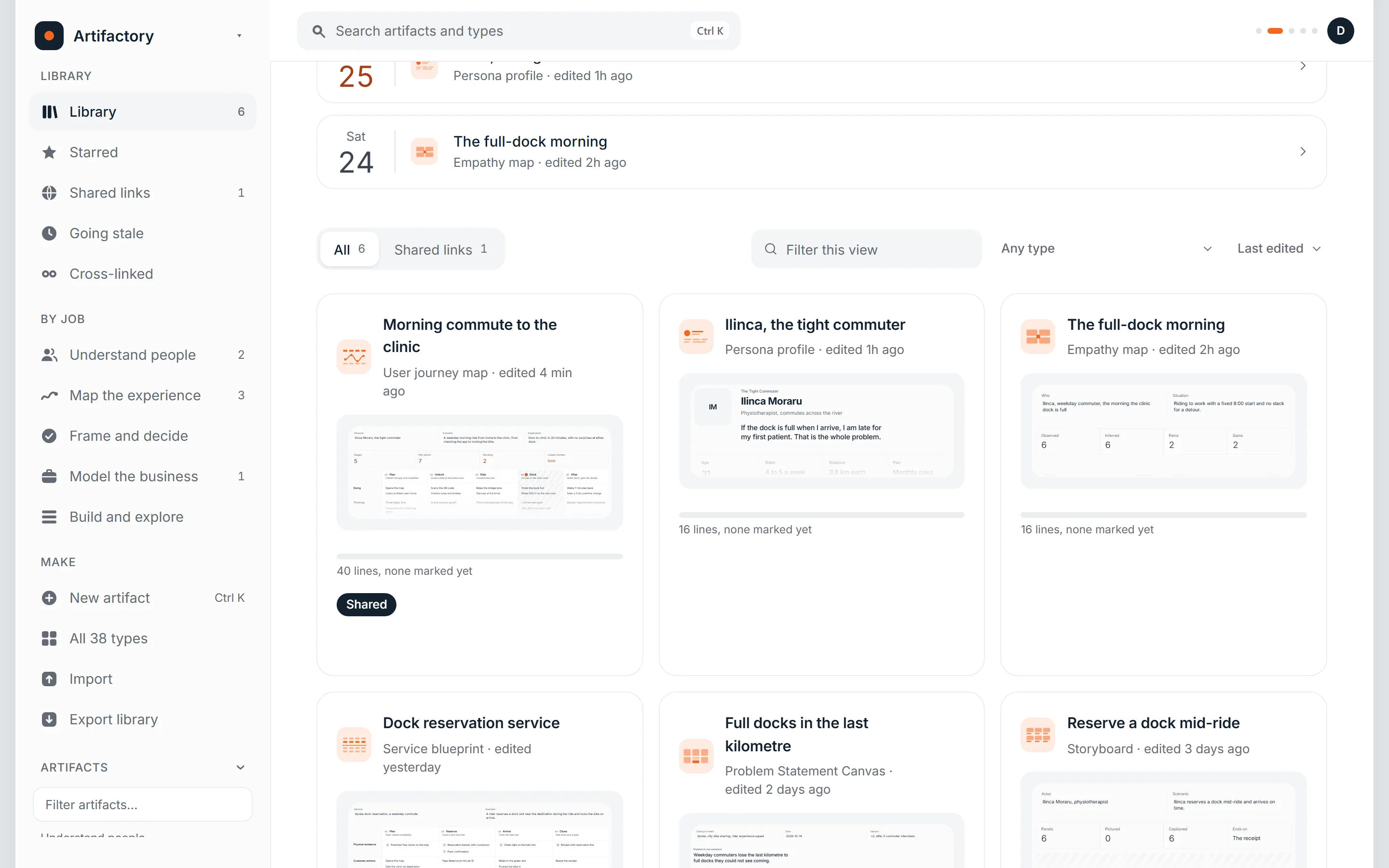
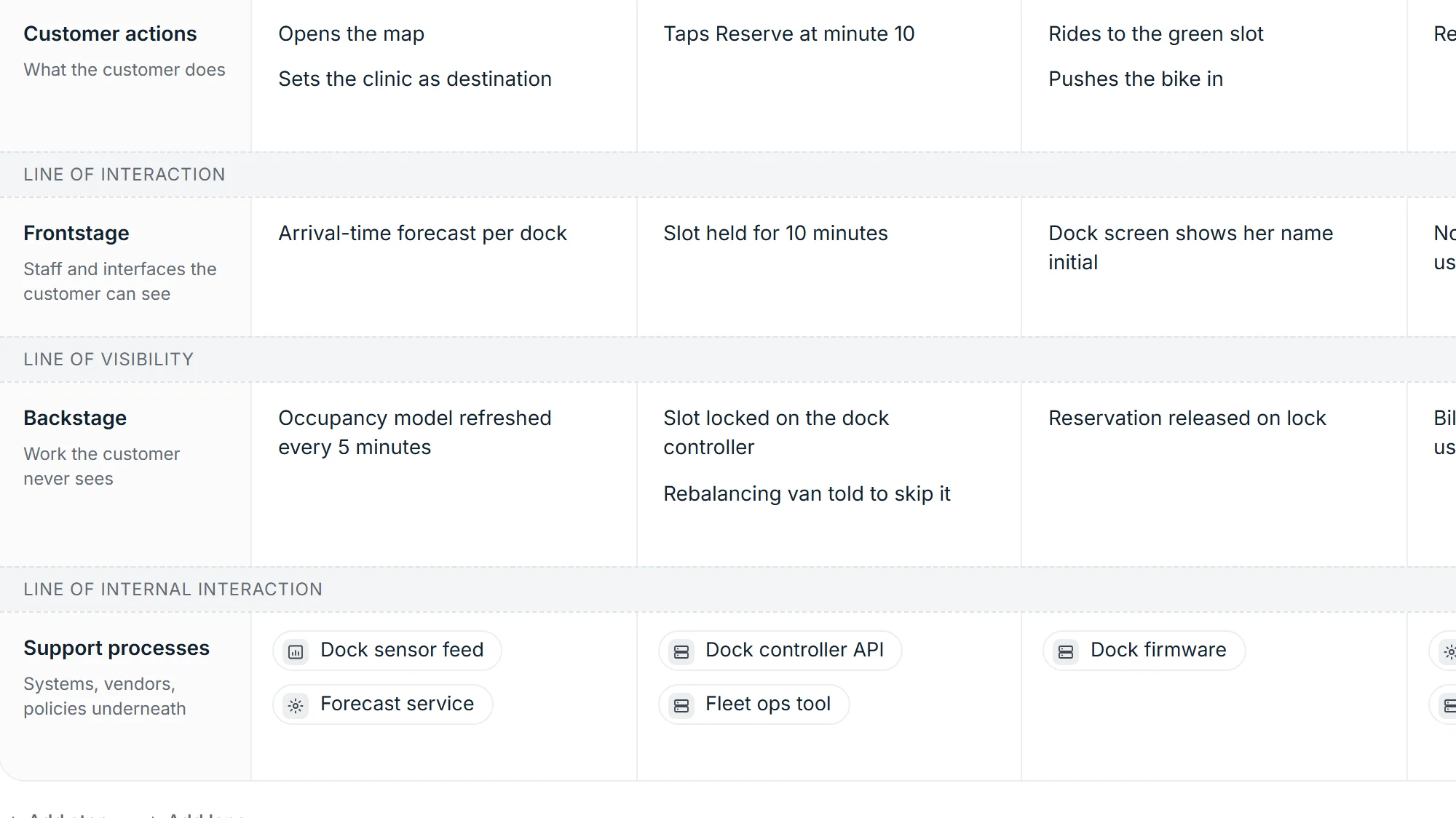
A library of 38 artifact types, from personas, journey maps and service blueprints to decision records, risk maps and the Problem Statement Canvas. Each type starts either blank, with a worked example in every empty field, or as a complete example you can edit over.
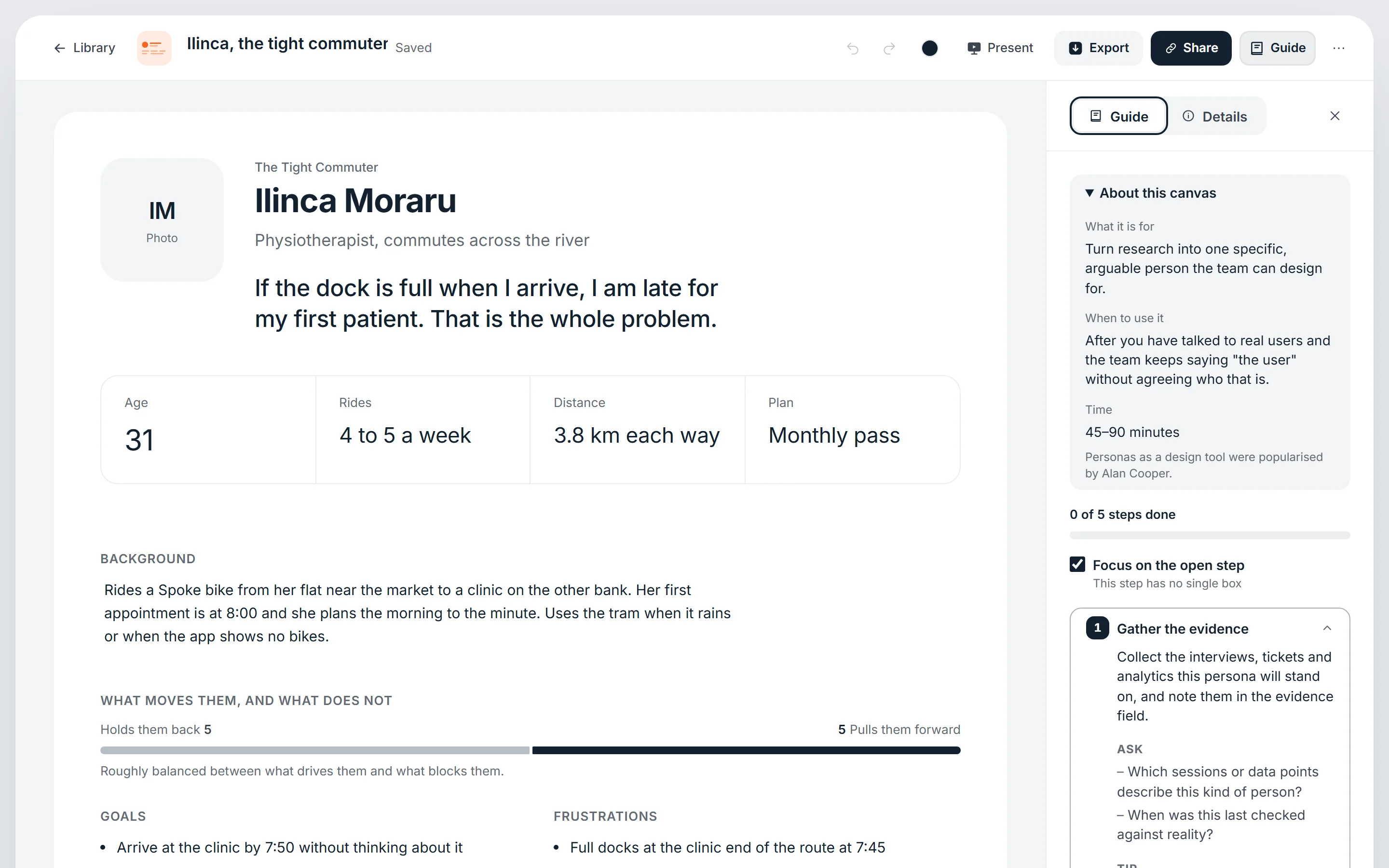
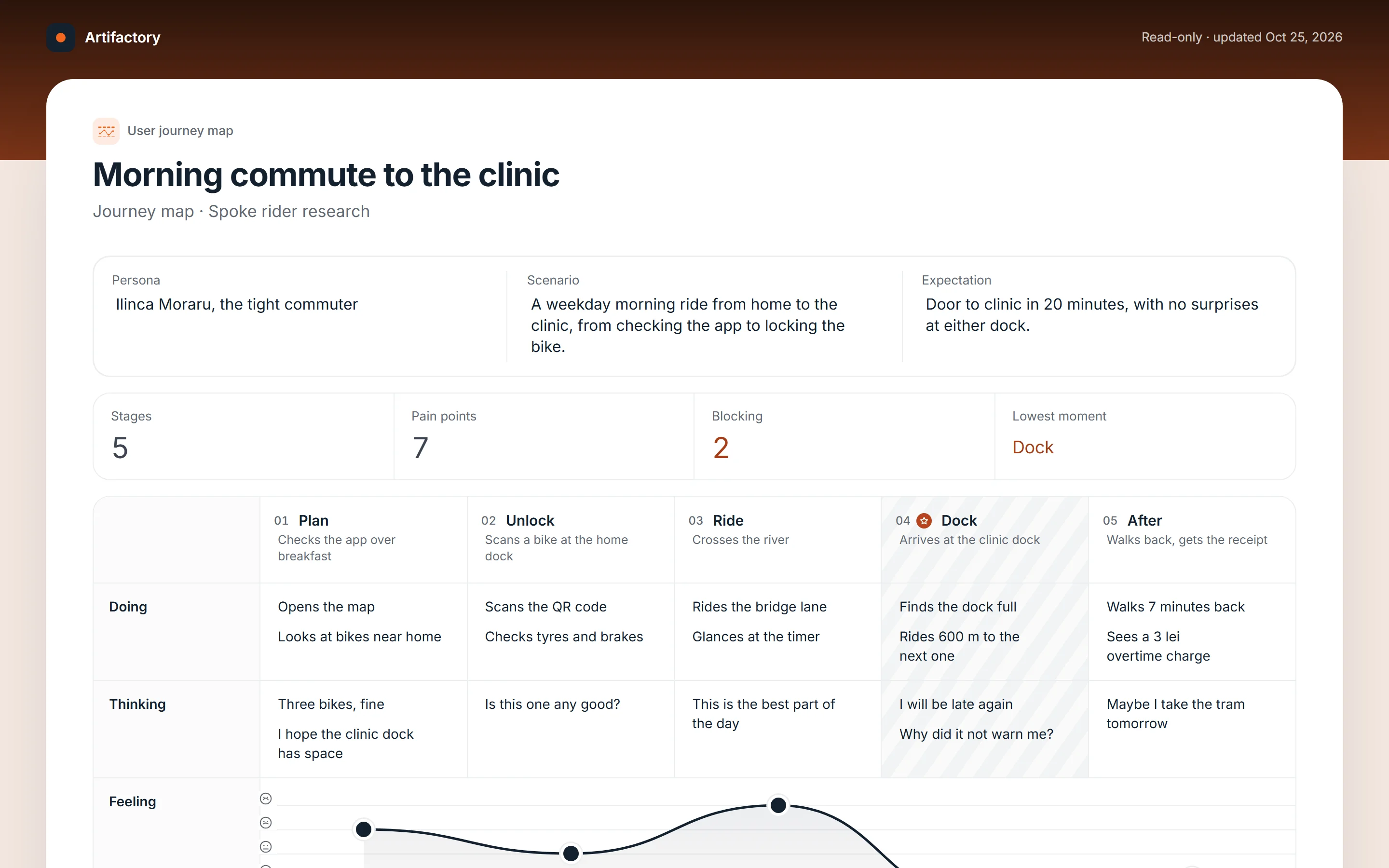
You type straight into the artifact. A side rail guides you through it step by step, small stat strips count pain points or empty boxes as you go, and when it's ready you export a PNG, print it, or send a read-only link that opens without an account.
Inside
How it looks in use.
- Role
- Sole designer, developer and owner
- Built with
- React, TypeScript, Postgres, PostgREST, an MCP server
- Runs
- In the browser, self-hosted on my own server
- Status
- In beta, part of the heymax family of apps
Up close
The details that carry it.
Decisions that mattered
- No form beside a previewThe artifact itself is the editing surface, so it never needs a separate layout pass before it can be shown.
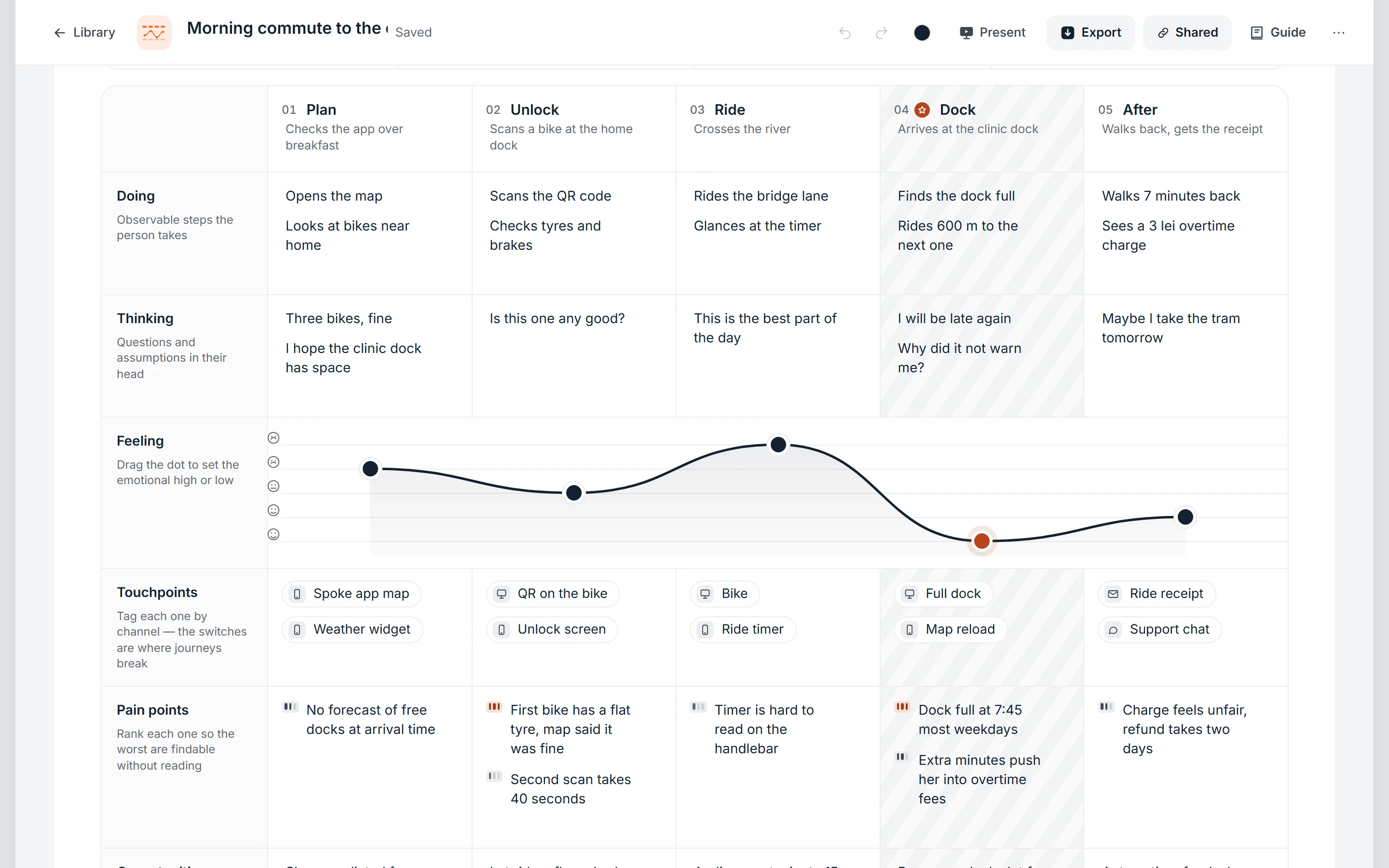
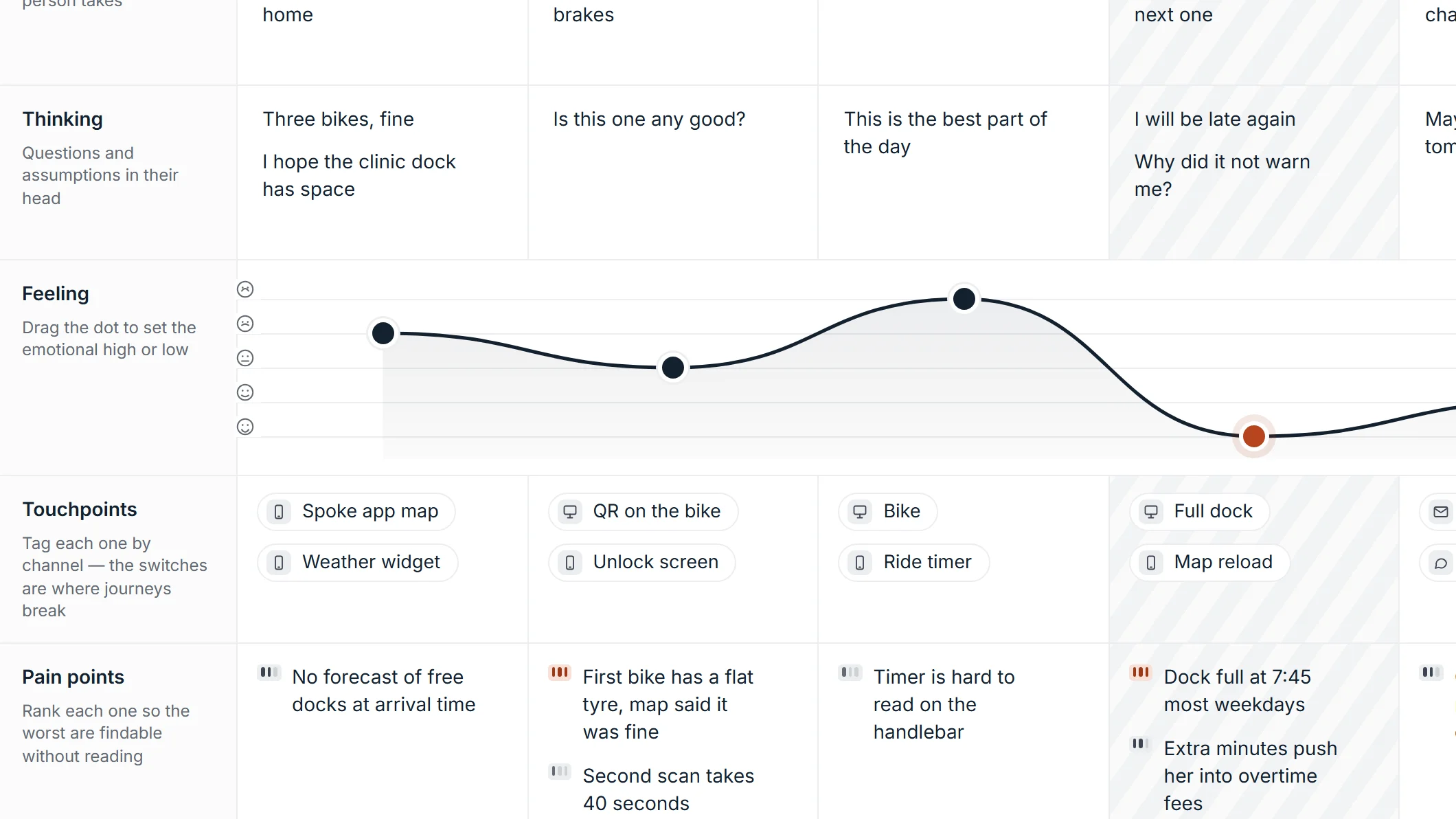
- Structure that makes things findablePain points carry a severity, touchpoints a channel, the journey a draggable feeling curve with its lowest moment marked. You can spot the worst moments without reading every cell.
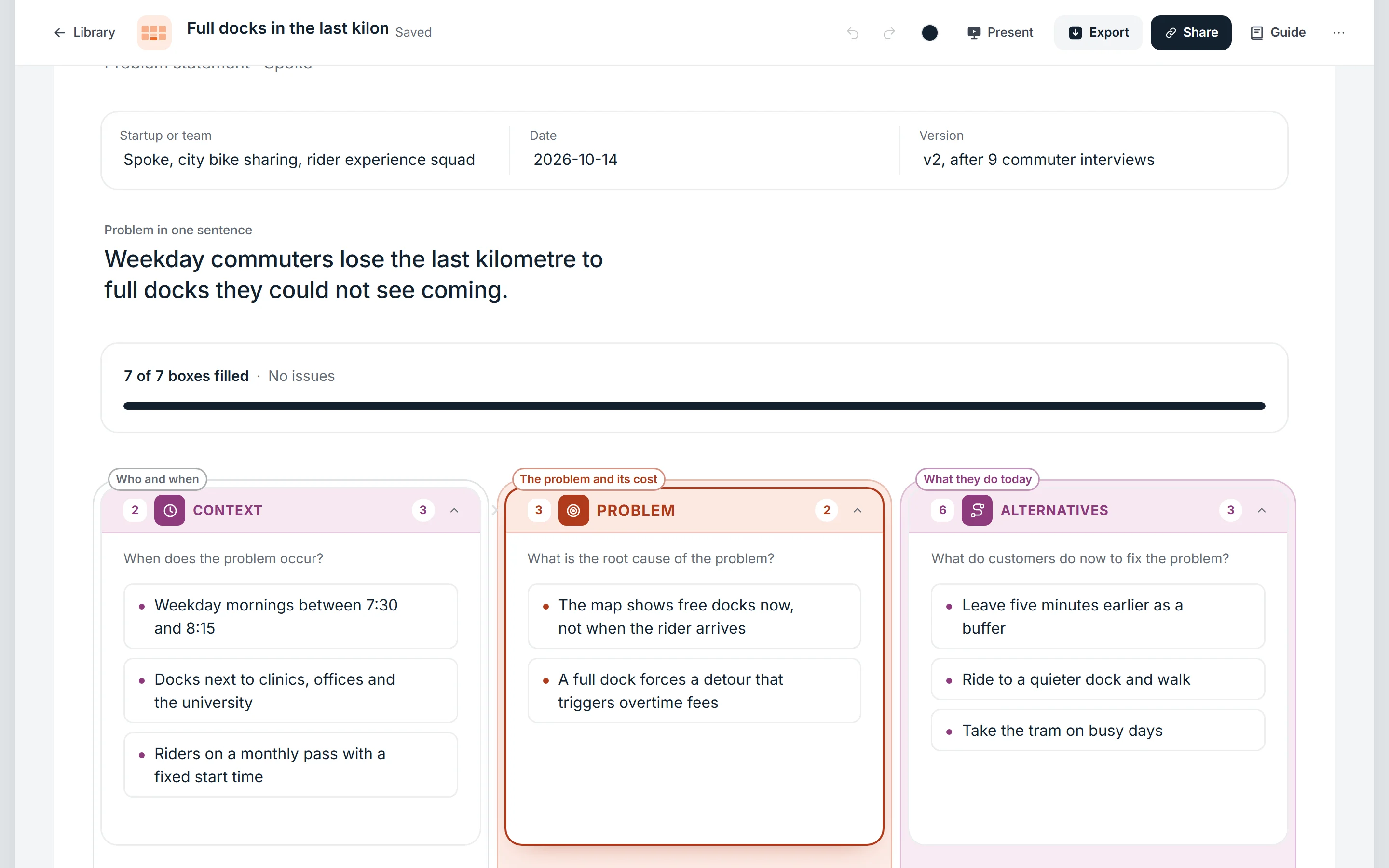
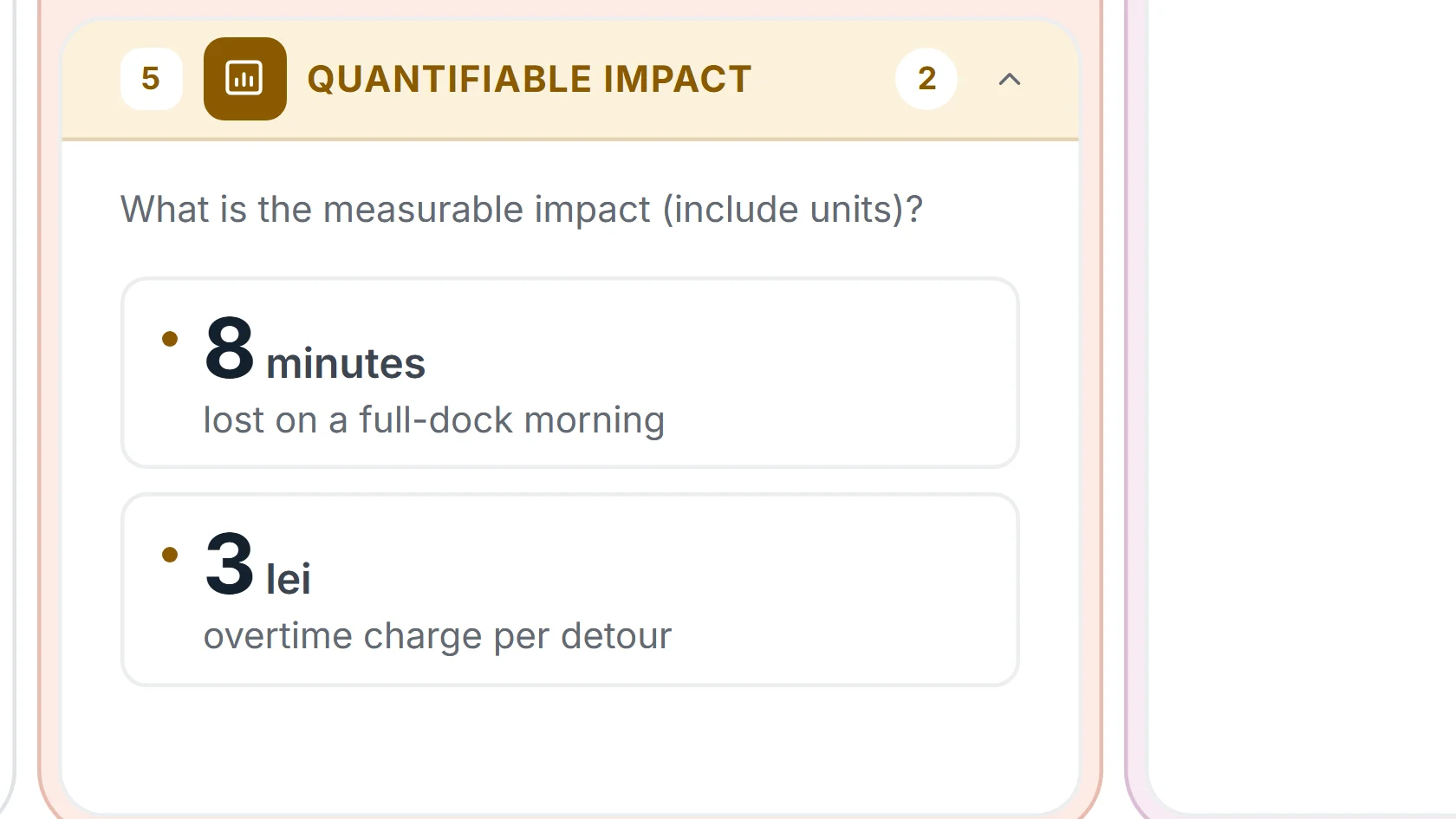
- Numbers read as numbersOn the problem canvas, a measured impact with a unit turns into a figure card, and an entry without a number or unit is flagged, so a vague cost can't hide in a sentence.
What I learned
A good template is mostly the questions it asks. Once each box asked one clear thing and showed an example, the artifacts got better, and they looked consistent without any extra design work.
Something similar in mind?