
Notes
A self-hosted writing space for thinking things through: pages, a daily journal, links between notes, and a clean public page when something is ready to share.
At a glance
- Tools come to the text, not the other way round
- Navigation went back to the familiar
- Owned, but open to other tools
The question
My notes lived in a hosted tool that did everything and belonged to someone else. Could I build a smaller one that I own, that stays calm while I write, and that can turn a finished note into something worth sending?
What I built
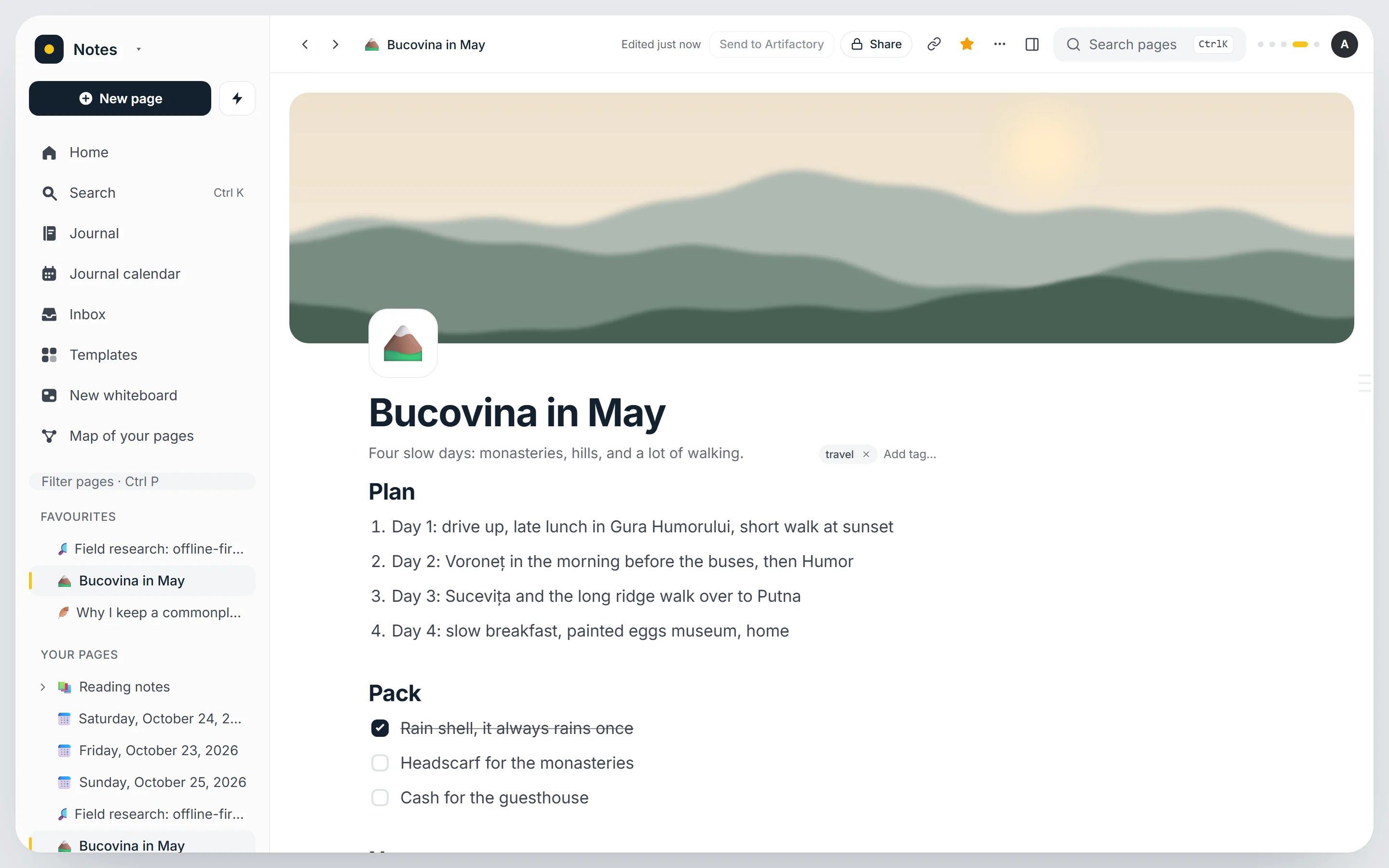
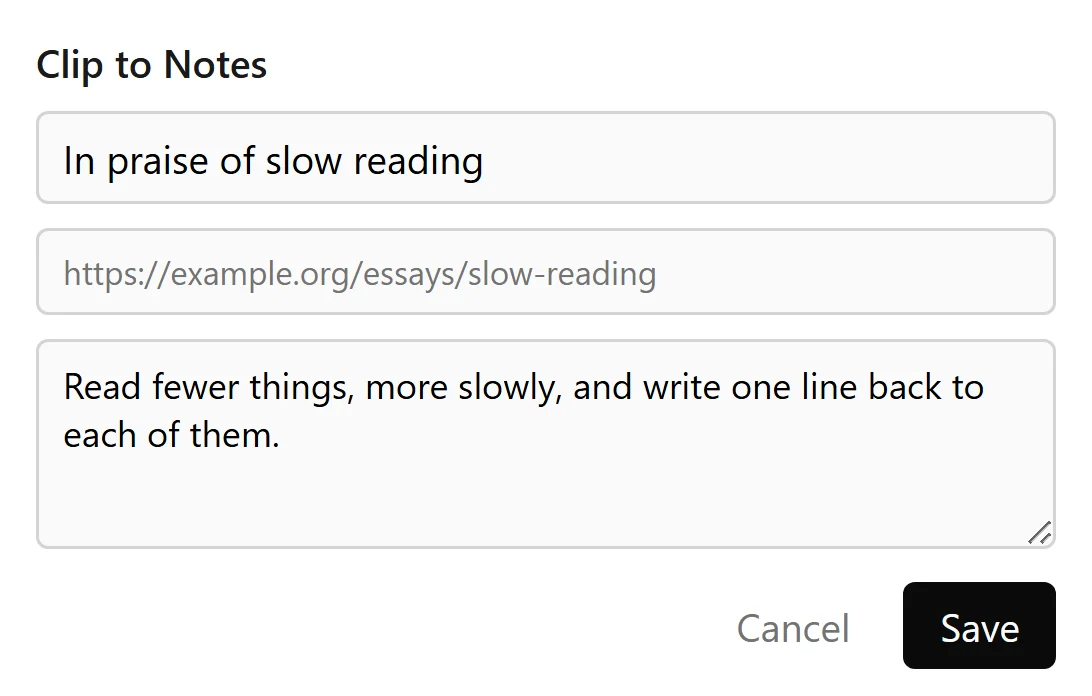
A Notion-style workspace on my own server: document pages and whiteboards in a nested tree, a journal with a note for each day, templates, full-text search, backlinks, tags, cover images and a trash you can undo. A browser extension clips the page you are reading, with your selection, straight into the inbox.
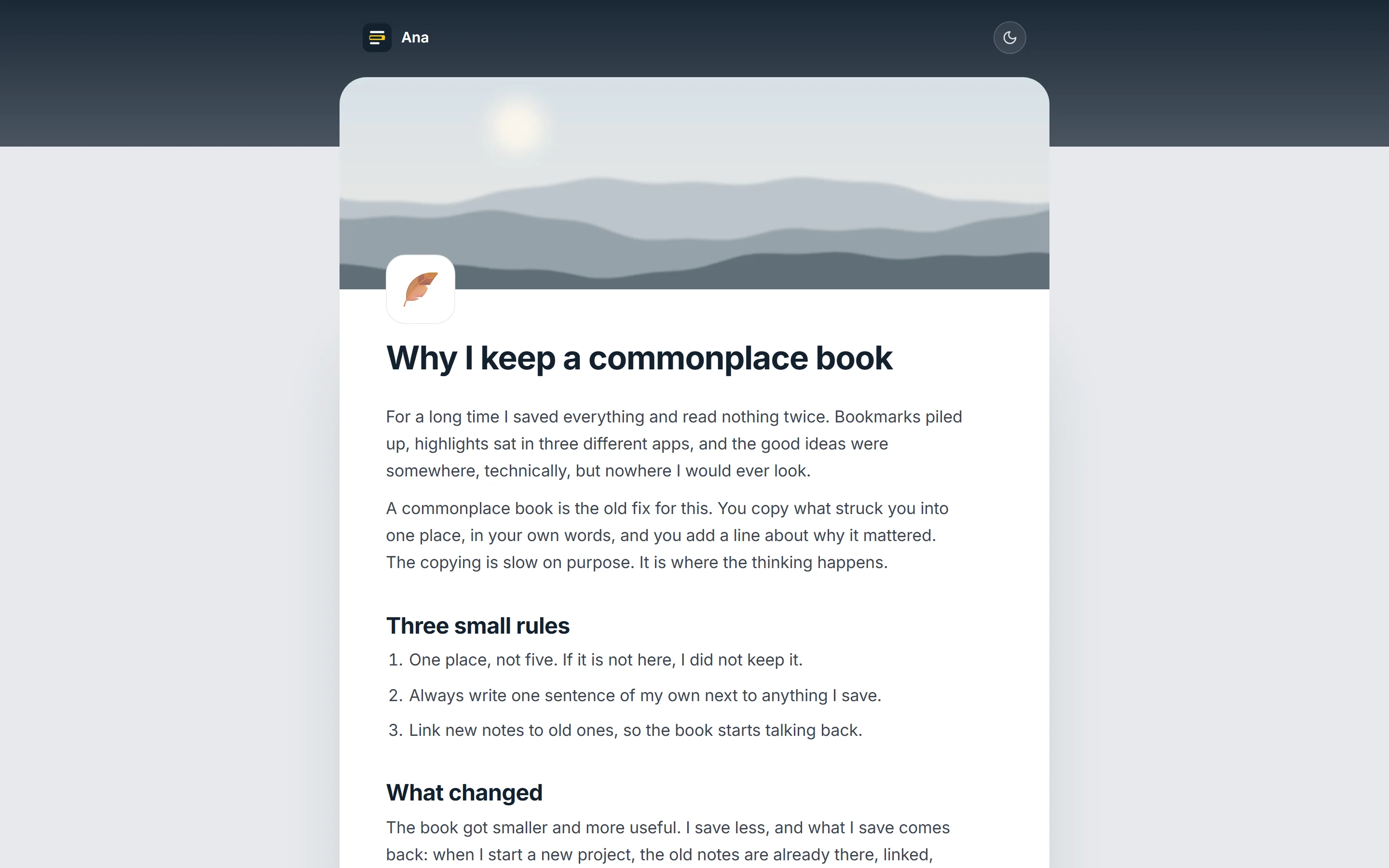
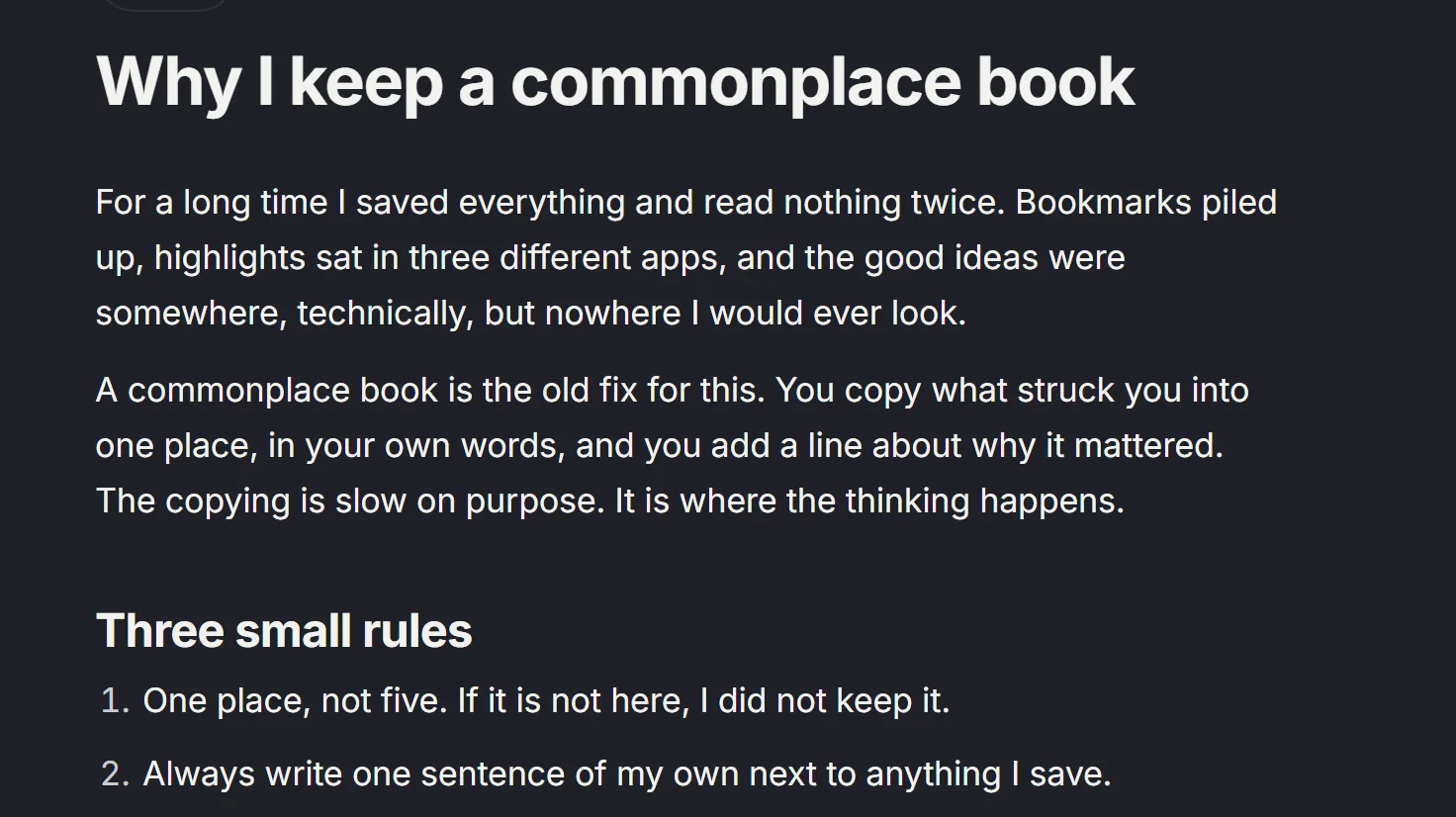
Any page can be made public. It then opens on its own reading page, white like a sheet of paper, with a dark reading mode for the evening, and readers can answer or leave feedback without an account.
Inside
How it looks in use.
- Role
- Sole designer, developer and owner
- Built with
- React, BlockNote, Hono, Postgres, my own server
- Runs
- In the browser, plus a small web clipper
- Status
- Released



Up close
The details that carry it.


Decisions that mattered
- Tools come to the text, not the other way roundSelect a phrase and right-click, or press Ctrl and full stop, and a small ring of actions opens beside it: highlight, link to a page, make a task. On an empty line, Ctrl Enter opens the same ring for headings, lists, to-dos and images.
- Navigation went back to the familiarFor a while a radial dial replaced the sidebar. It was fun, but finding a page took longer, so the page tree came back as a plain side nav and the ring stayed only where it helps: inside the writing.
- Owned, but open to other toolsEverything sits in my own Postgres, uploads stay private unless a page is public, and API tokens plus a hosted MCP endpoint let the clipper and AI agents read and write pages.
What I learned
A clever control is worth keeping only where it saves a step. The radial menu earned its place next to the cursor, and lost it as the main way around the app.
Something similar in mind?