
My Arcade Space
Fifty small handheld games in one browser page. No install, no account, no ads, and it keeps working offline once you've opened it.
At a glance
- One shared shell, many small games
- One ink colour, like real LCD handhelds
- Controls declared per game
The question
What would a pocket games console feel like if it lived in the browser, opened in a second, and asked nothing of you? No store, no sign-up, no tracking, no build step to keep alive.
What I built
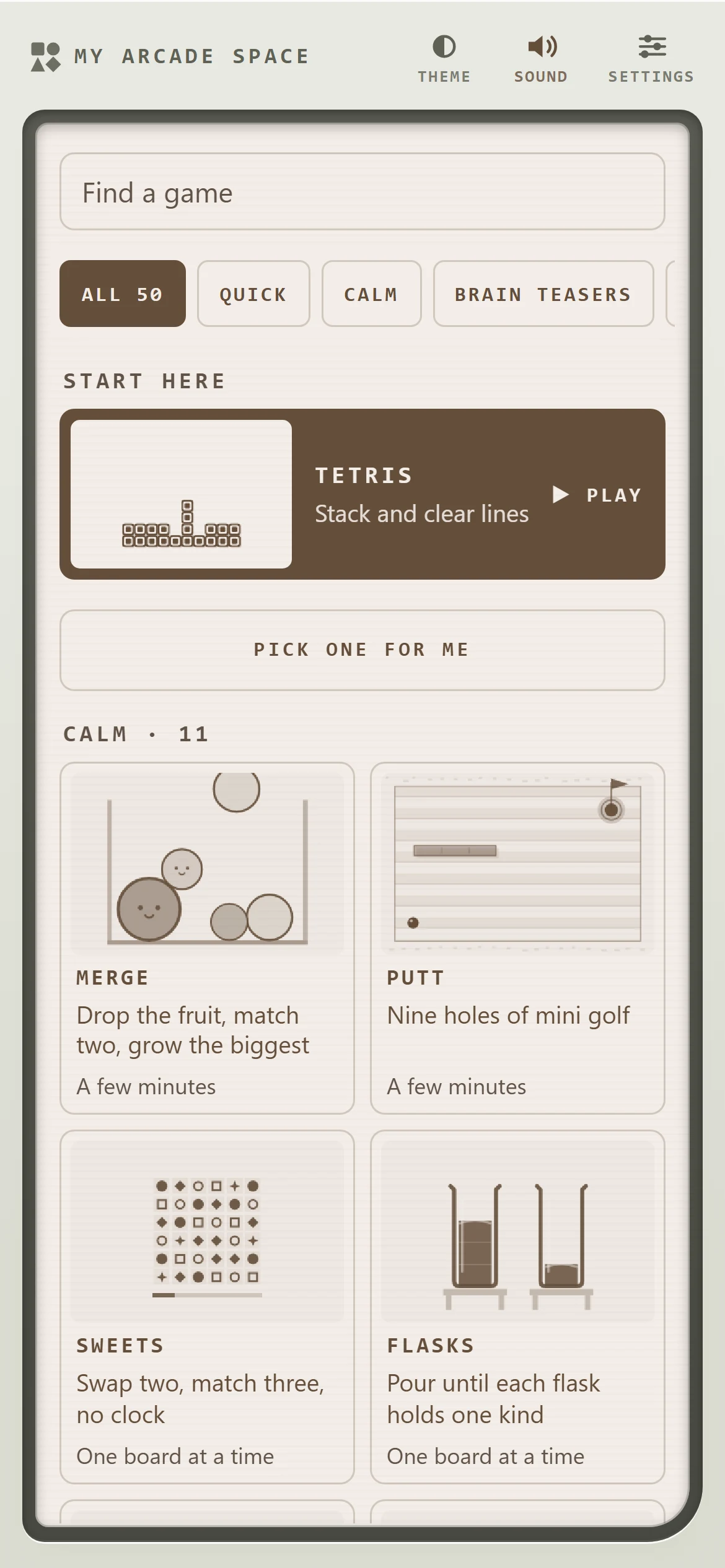
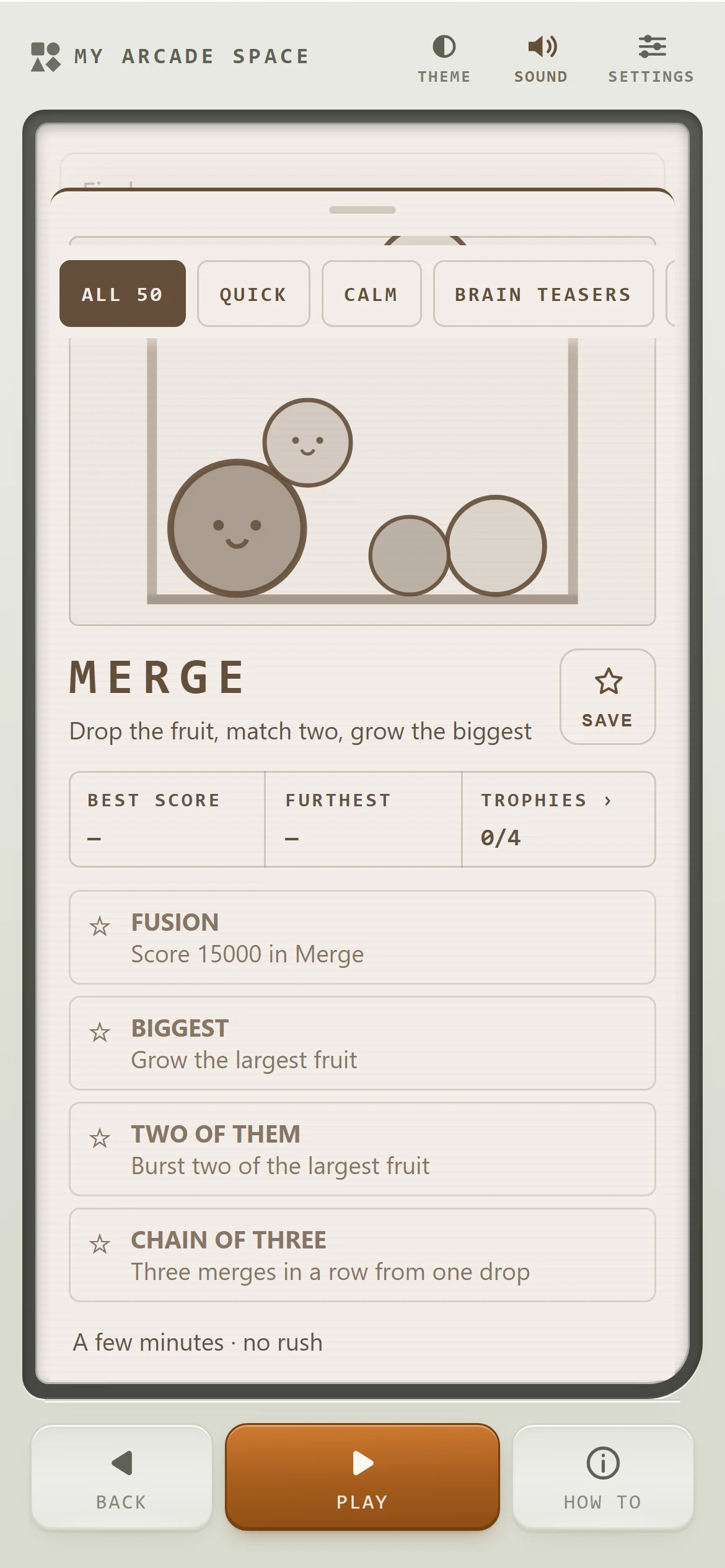
A single self-contained page holding a whole cabinet of games: Tetris, Snake, Sudoku, Pinball, Sokoban, a mini golf course, a train-line puzzle and dozens more, each with its own looping preview, best score and small set of trophies.
The grid is sorted by mood rather than genre (quick, calm, brain teasers, action), and the first row is simply what you played last, so coming back to the same game is one tap.
Inside
How it looks in use.
- Role
- Sole designer, developer and owner
- Built with
- One HTML file, canvas, plain JavaScript
- Runs
- In the browser, installable, offline
- Status
- Released, still growing
Up close
The details that carry it.
Decisions that mattered
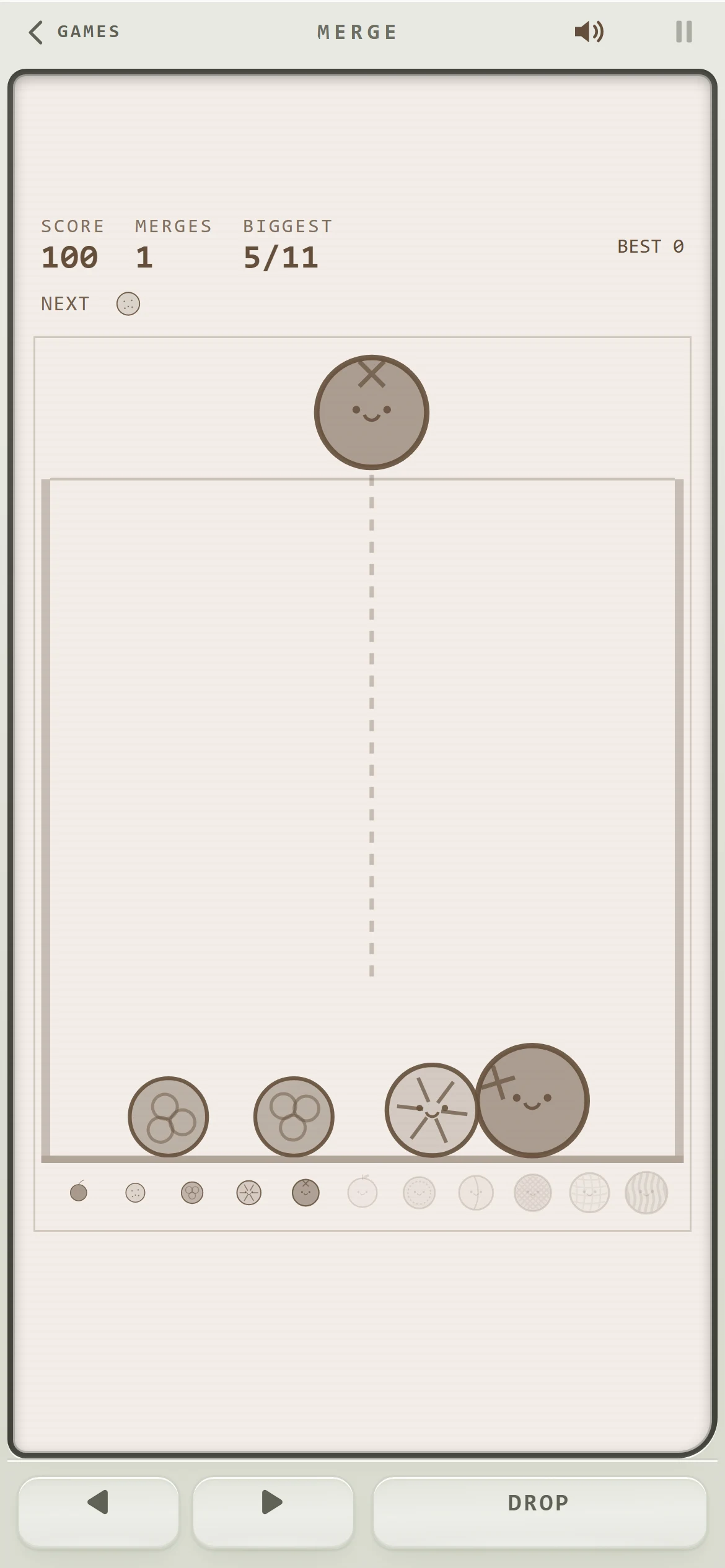
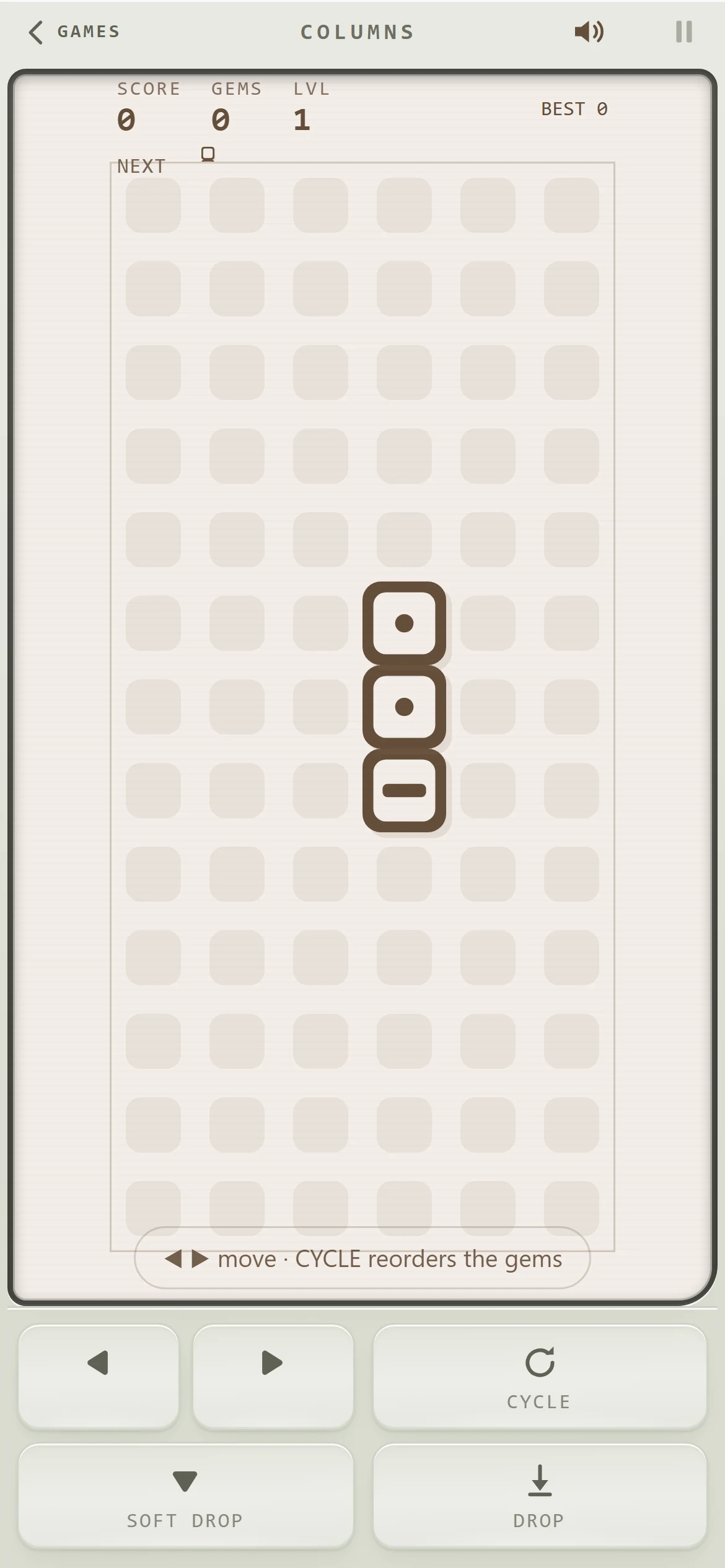
- One shared shell, many small gamesColours, scaling, controls, pause and sound live in one place, so a new game only brings its own rules and drawing. That's what made fifty possible.
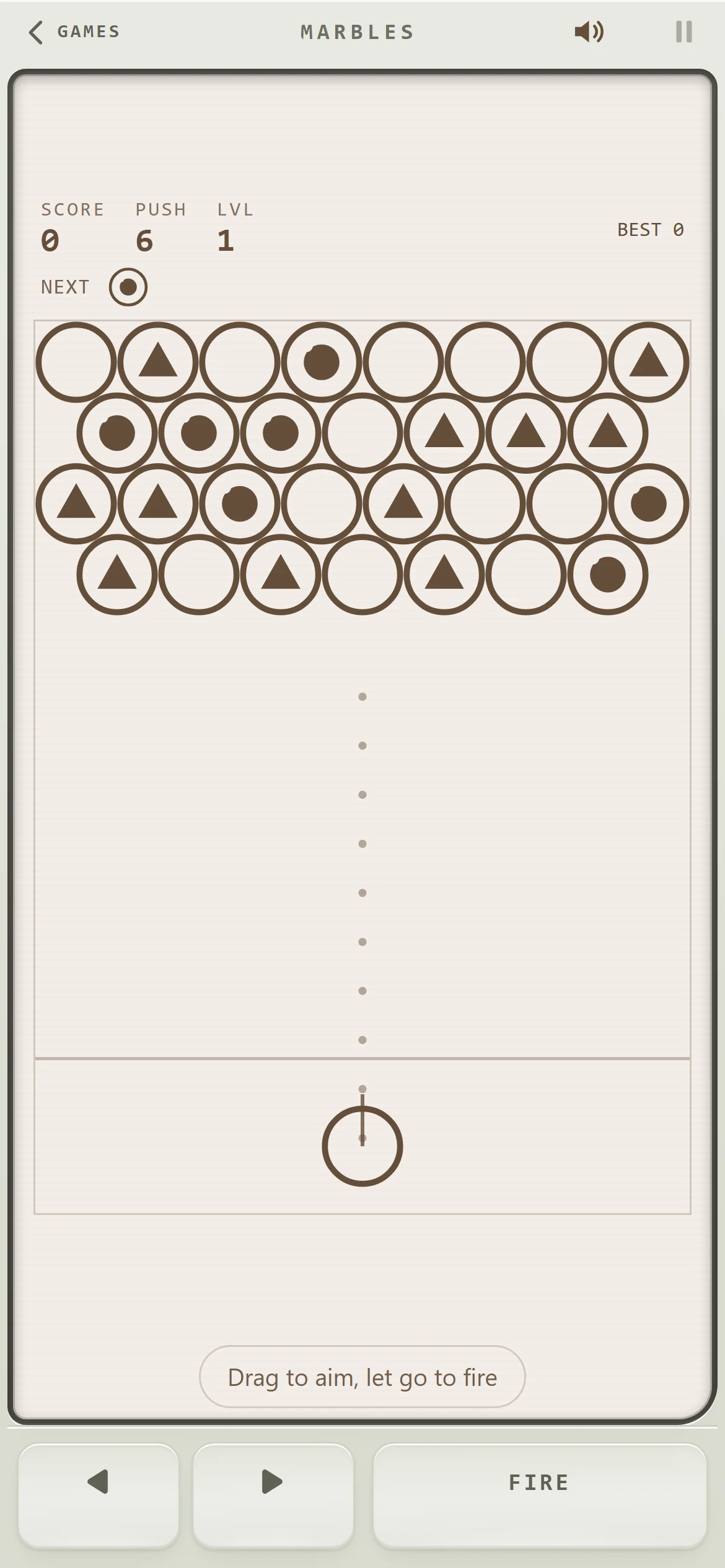
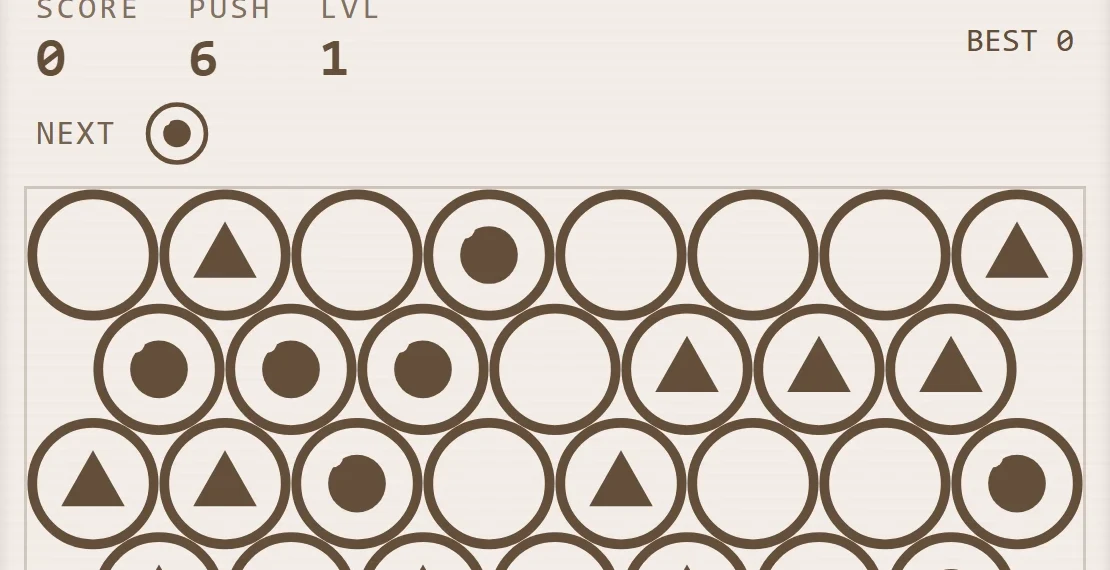
- One ink colour, like real LCD handheldsWhere a game would normally rely on colour, it uses fill pattern, shape or size instead. A side effect worth having: every game reads the same for colour-blind players.
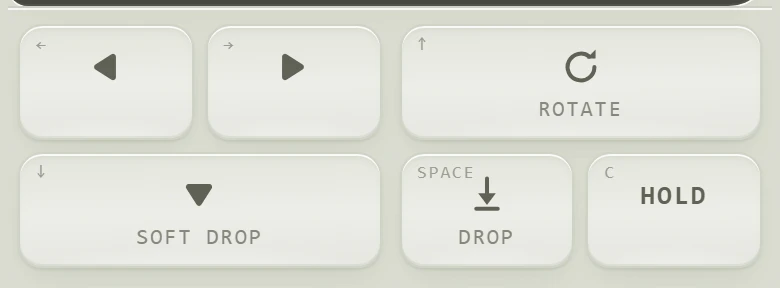
- Controls declared per gameEach game lays out its own buttons in a left zone for movement and a right zone for action, so a one-button game gets one big key and a puzzle gets a precise pad.
What I learned
Constraints did the design work. A single colour, a fixed grid and a shared control deck pushed every game towards clarity, and made the whole collection feel like one object rather than fifty.
Something similar in mind?